
Scriben vs Granola
For calls on screen—or work in the room.
Granola is excellent for scheduled calls on a computer. Scriben follows conversations across rooms, visits and walks, then turns them into memory and action—without putting another screen between you and the person speaking.

- What it actually is
- SoftwaremacOS, Windows, iOS, Android
- A penIts own hardware, syncs to iOS
- Three years, one person
- $504Business, at $14 per user per month
- $129Pen purchase. Free software plan included
- What has to be running
- A deviceWith Granola open, hearing the audio
- NothingNo phone, no app, no network
- Writes on paper
- NoIt is an app
- YesA real 0.6mm ballpoint
Start here
What Granola does better.
If your day is back-to-back video calls, Granola is very good at exactly that, and it is free to start. You type your own shorthand during the call and it fills in around what you wrote, which is a better idea than a wall of transcript. If that is your whole working life, you may not need a pen at all, and we would rather say so here than have you find out after buying one.
Beyond the recording
Capture is only the first step.
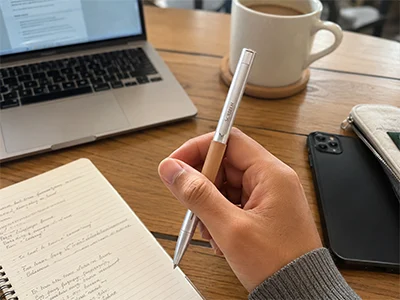
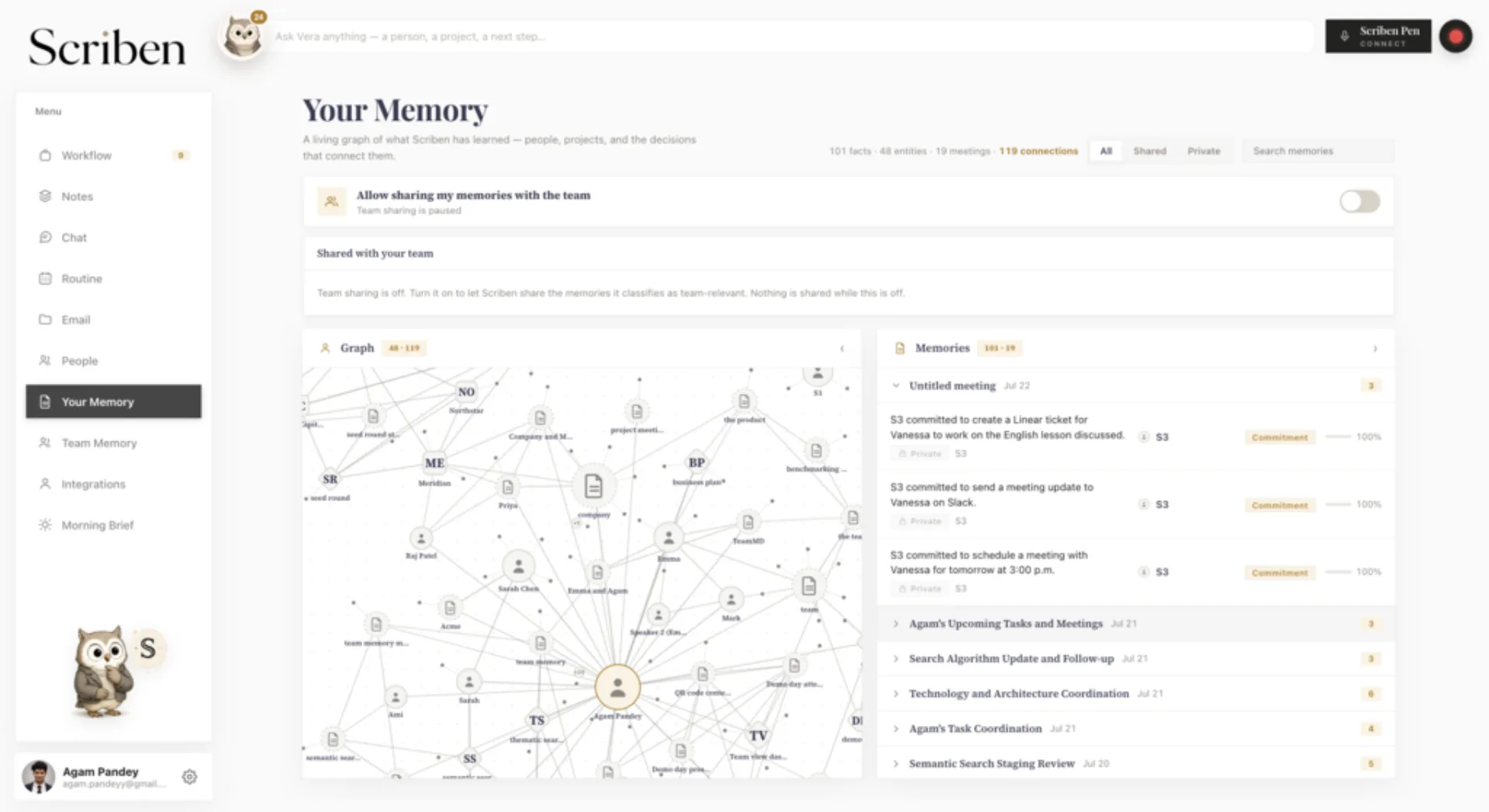
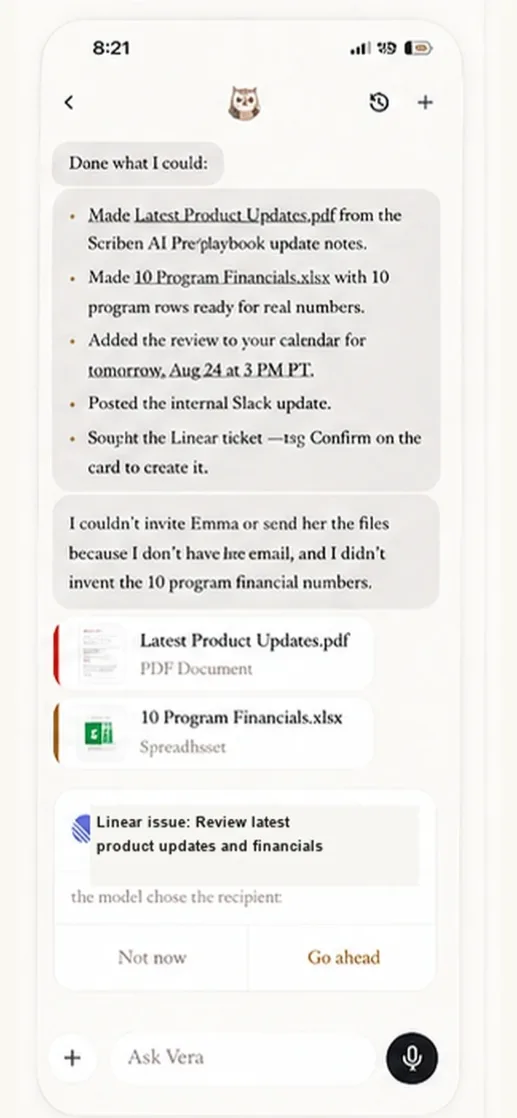
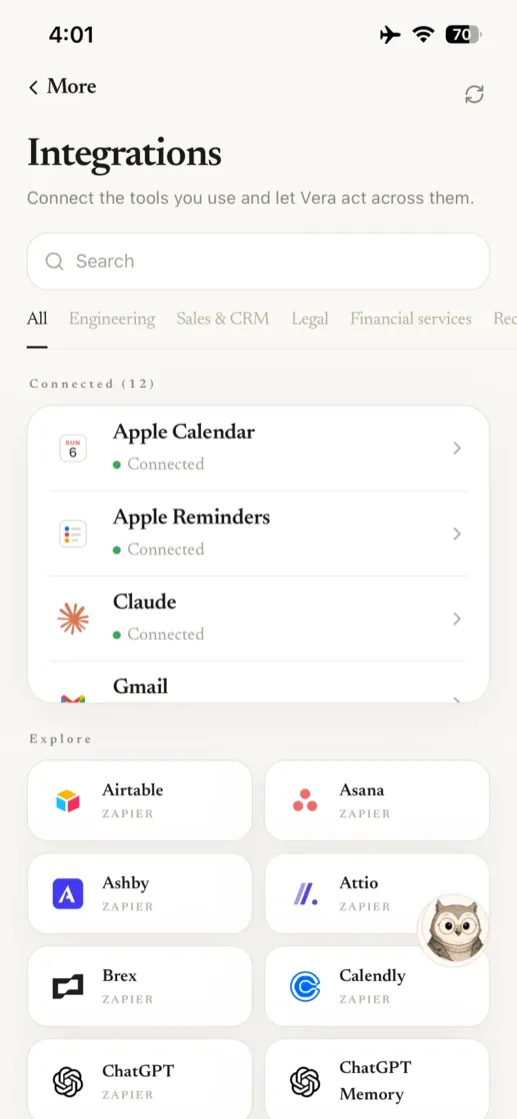
Scriben combines purpose-built hardware, durable memory and agents that can move approved work through the tools you already use.
Where each one works
The same week, on both.
Not a feature list. The actual situations a working week is made of, and what happens in each.
- A video call at your desk
- ✓
- ✓
- Notes you type yourself, enhanced afterwards
- ✓
- —
- A meeting across a table, laptop shut
- Phone app
- ✓
- A ward round, a site visit, a walk
- Phone app
- ✓
- Somewhere with no signal
- —
- ✓
- Capturing with nothing switched on at all
- —
- ✓
- Reaching your notes over MCP
- Business
- ✓
Granola runs on macOS, Windows, iOS and Android and captures using your computer’s audio rather than sending a bot into the call. Where a row says Phone app, Granola can do it — on a phone you are holding out. Checked 14 September 2026 on granola.ai.
Over time
Per seat, per month, for three years.
Granola’s Basic tier is $0 and limits how far back your history goes. The bars price the Business tier, which is the one that removes that limit.
After one year
After two years
After three years
Granola figures checked on 14 September 2026: Basic at $0 per user per month with limited meeting history, Business at $14 and Enterprise at $35, from the Granola pricing page. One seat, billed for three years. Prices and plans change. Check theirs before you decide, and tell us if anything here has gone out of date. The Scriben bar is the Free plan at $0 a month, set against Granola Business because Granola Basic limits how far back your history goes. Our Pro plan is $12.99 a month, and on Pro our three-year total would be $597 — more than Granola Business. If that history limit does not bother you, Granola is the cheaper of the two.
Questions
The ones people actually ask.
Is Granola free?
Does Granola work for in-person meetings?
Do I need both?
Can I read my notes from Claude or Cursor?
Which should I buy?
Also worth comparing
The other three.
Anyone choosing between two of these is usually choosing between four. Every page uses the same rules and dates its sources.
Honestly
Which one to buy.
Buy Granola if your meetings live on your screen and you want better notes from calls you already take at a desk. Buy Scriben if the conversations that decide things happen away from one: the client across the table, the corridor afterwards, the site visit, the consultation. Plenty of people run both, and that is a sensible answer rather than a hedge.
§Recording and consent requirements vary by jurisdiction and setting. Record openly, ask first, and follow the rules that apply where you are. Our guide to recording lawfully sets out how.